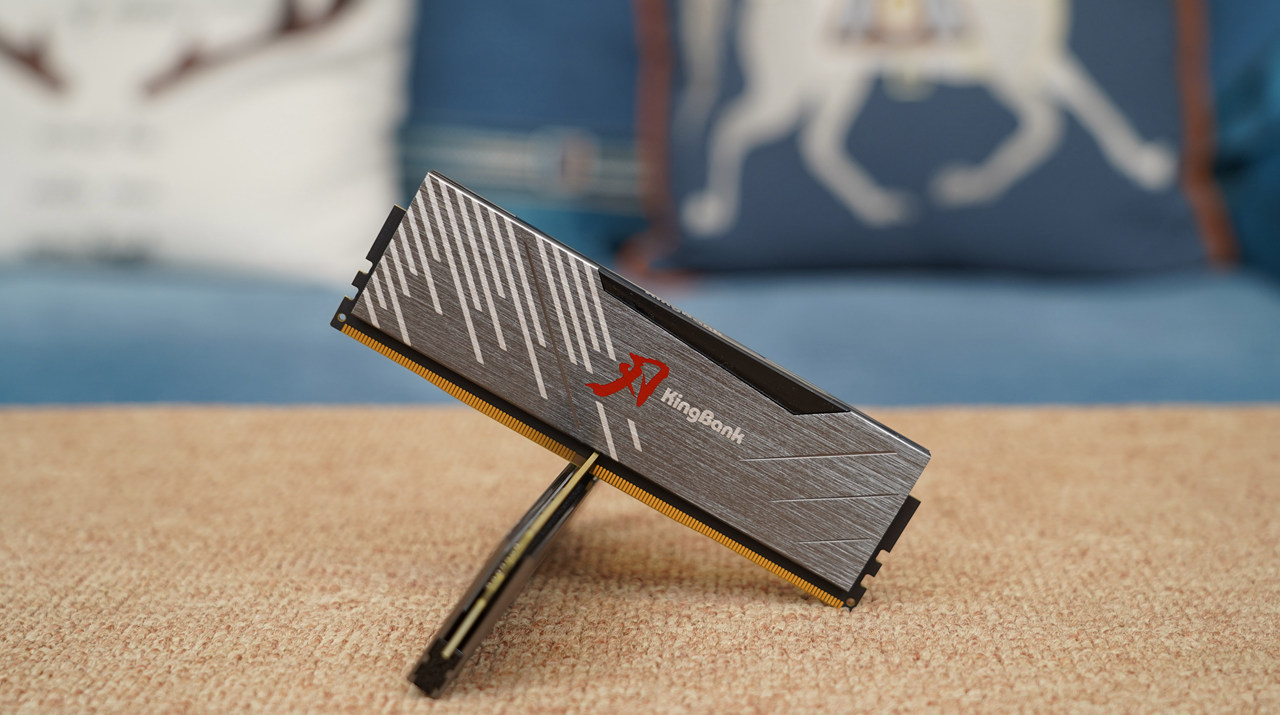
Review: KingBank DDR5 SoarBlade RGB 6400MHz DRAM Overclocked to 7000MHz+

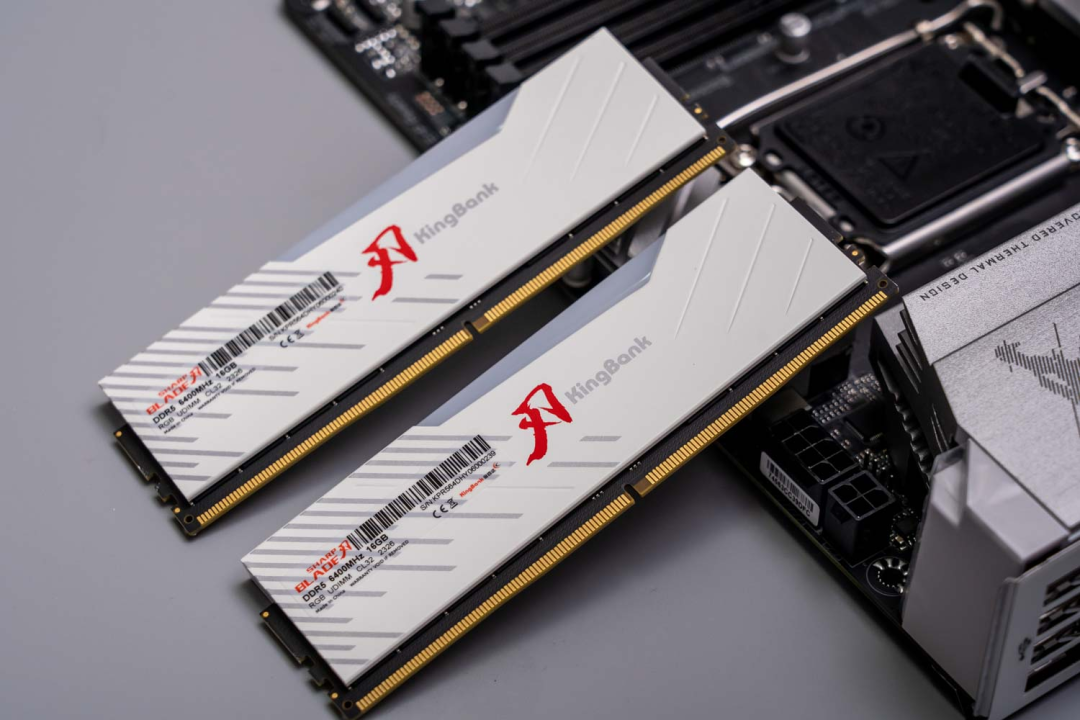
Appearance
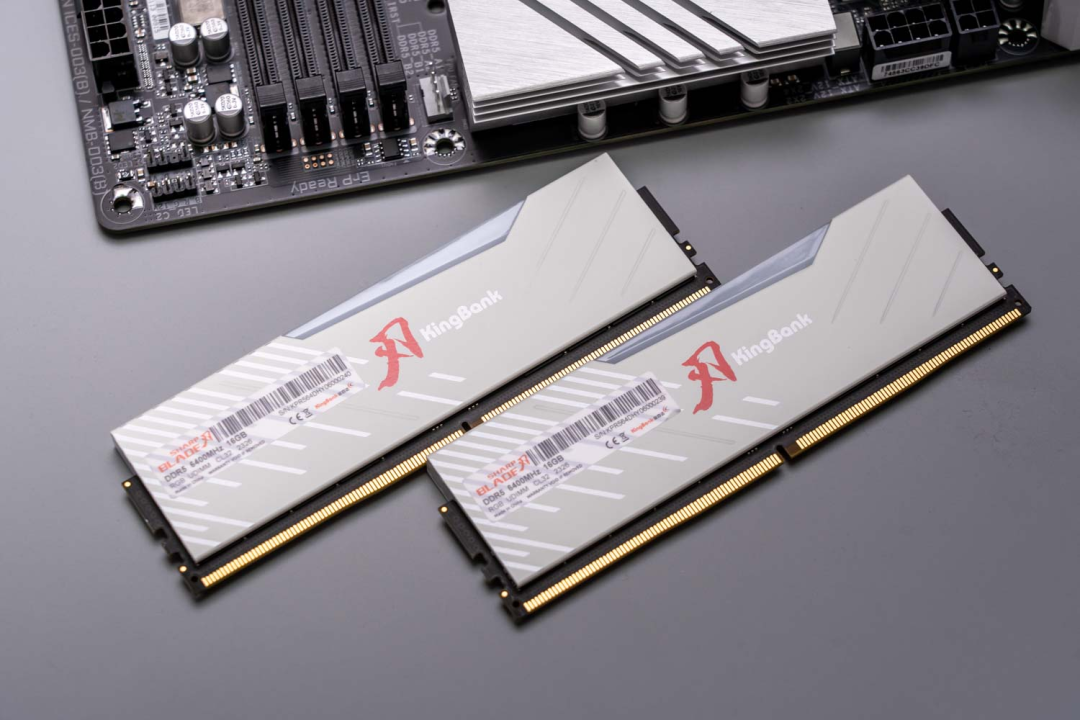
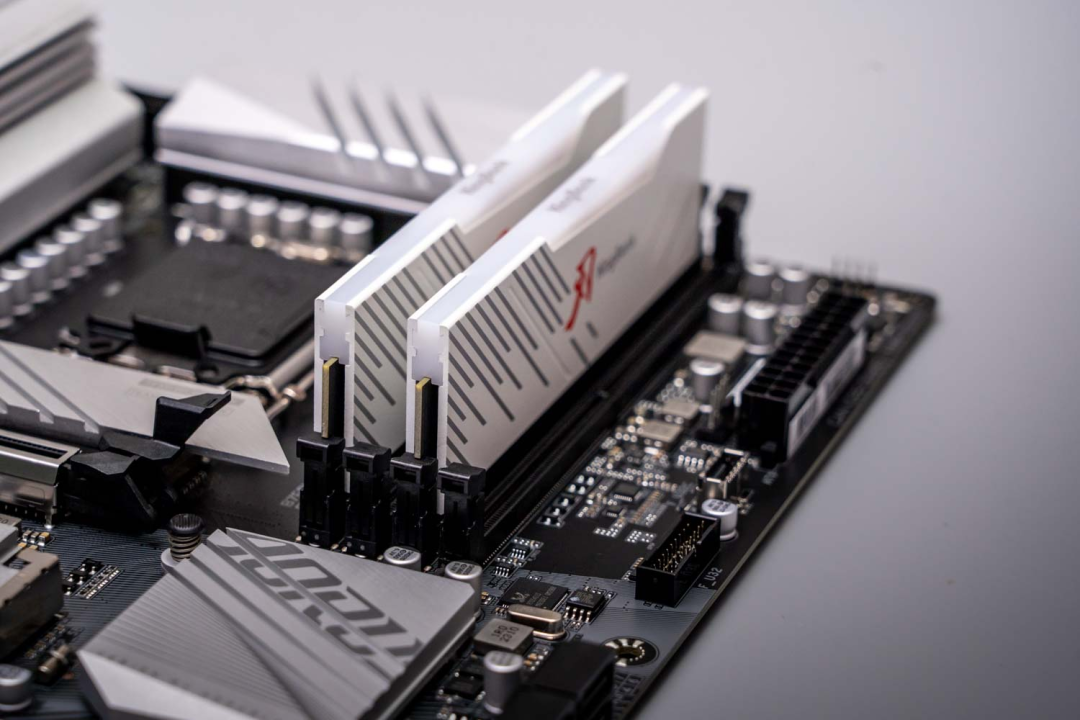
I’m helping a friend build a PC this time. Based on their needs, I chose the Gigabyte B760M DDR5 motherboard, and KingBank 32GB (16GBX2) DDR5 6400MHz
memory kit. This motherboard uses a black and white color scheme, featuring a currently mainstream mix that matches well with other parts too.
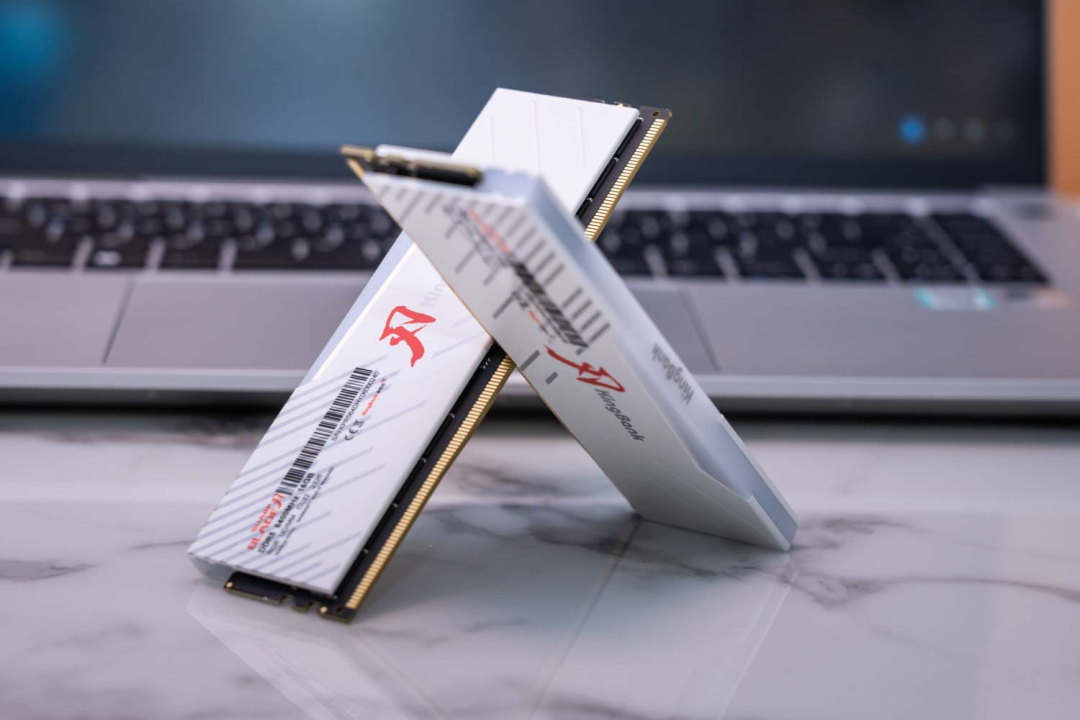
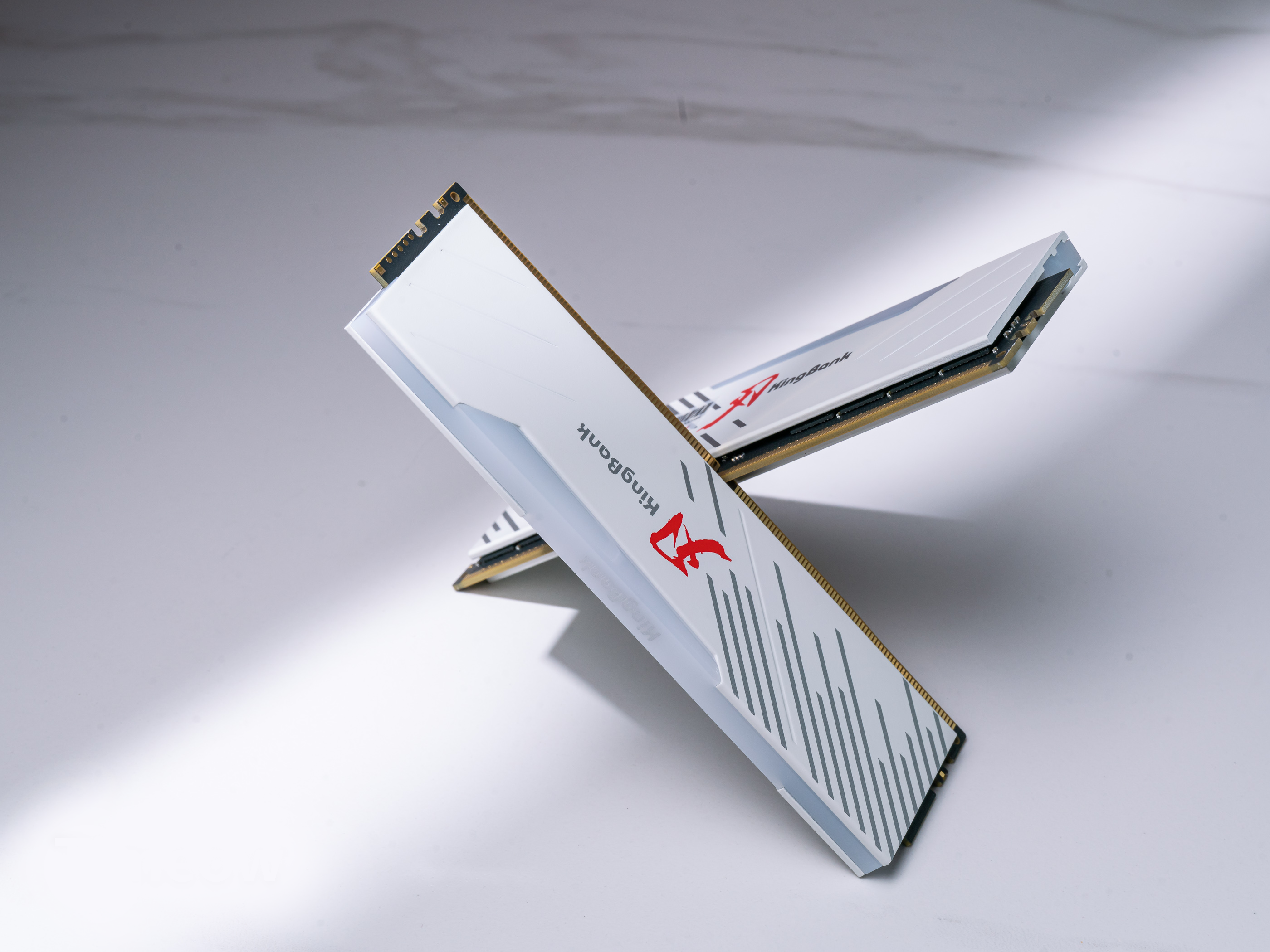
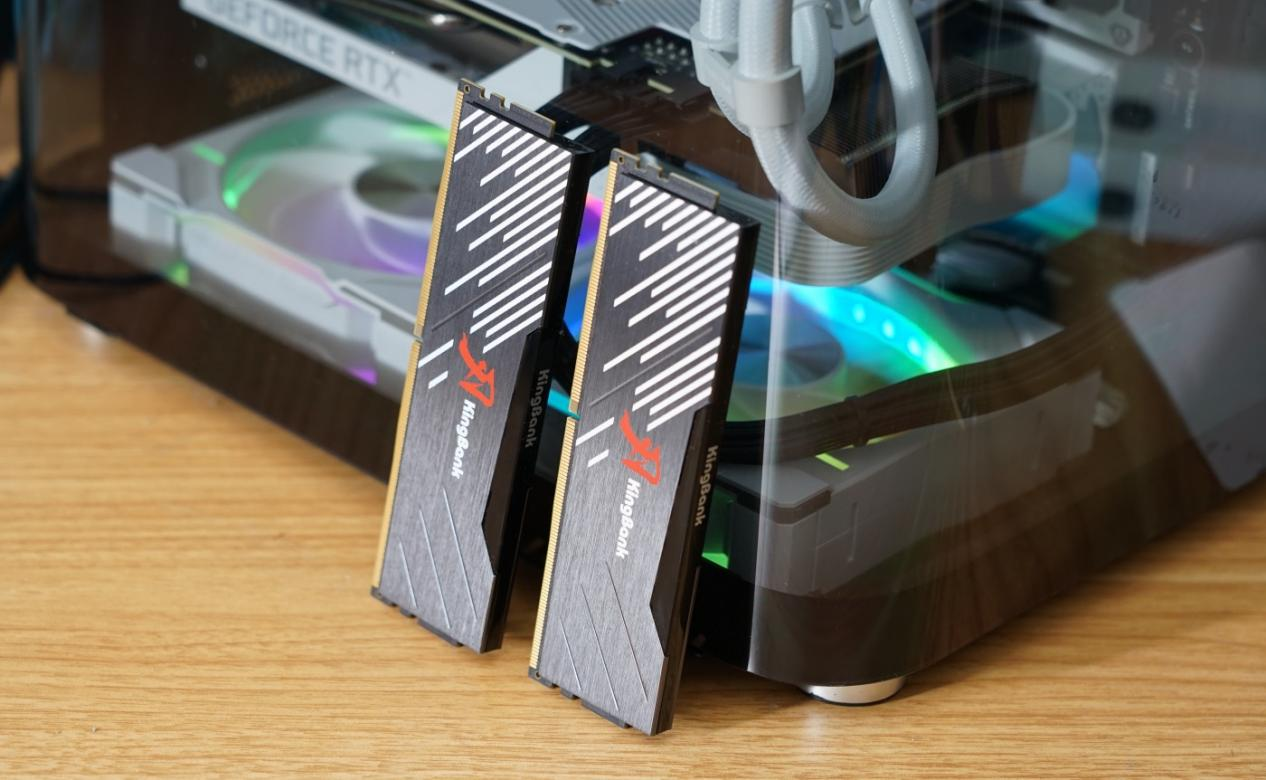
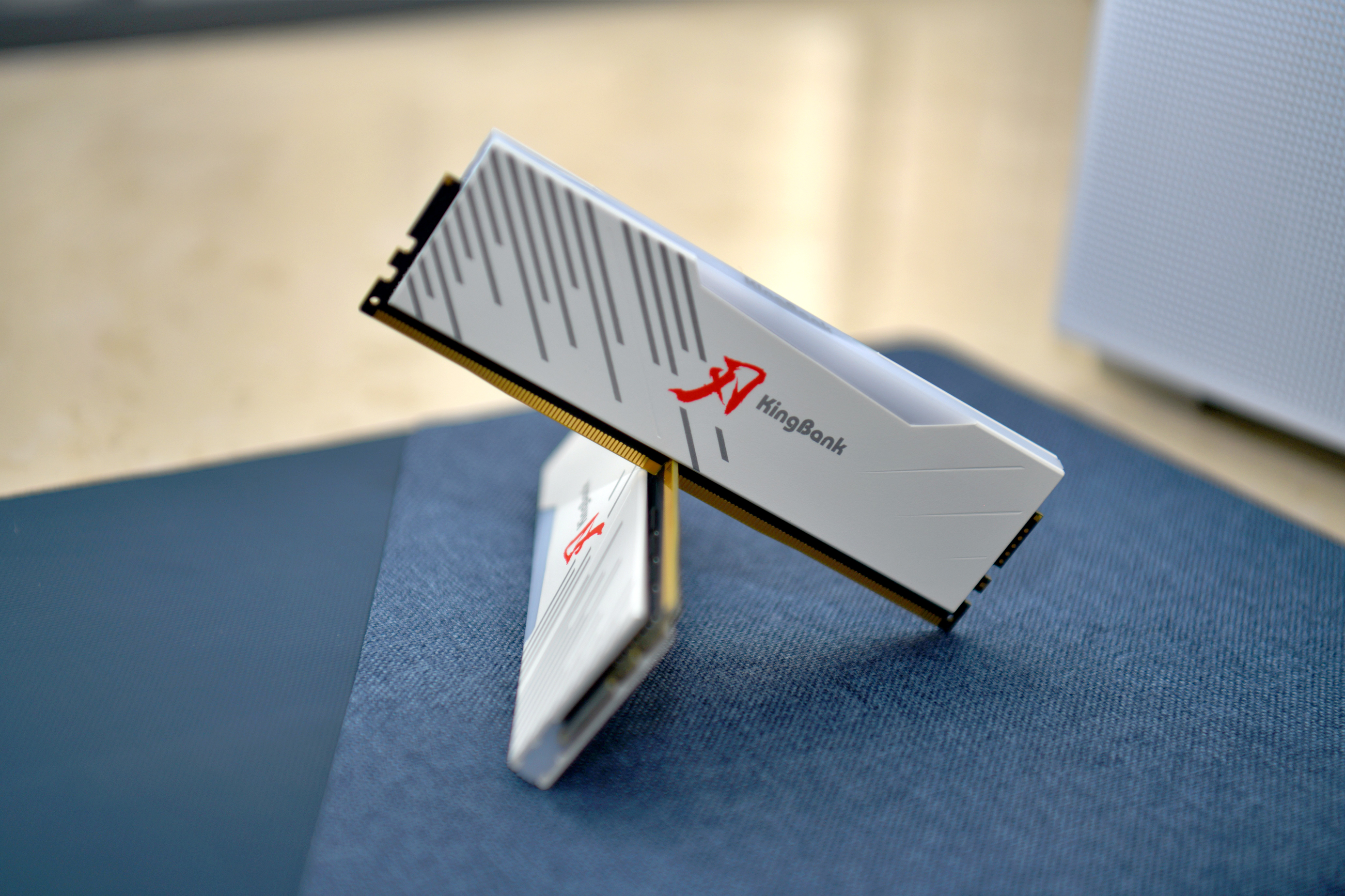
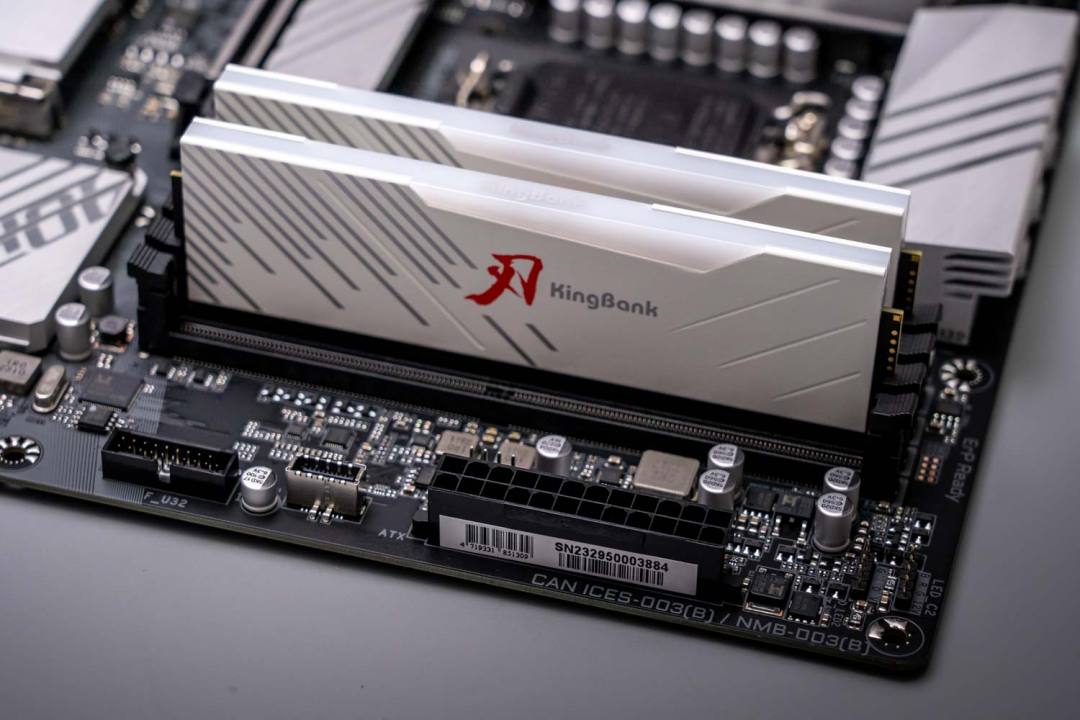
Now let’s introduce our star, the KingBank SoarBlade DDR5 6400 RGB DRAM. Its heat spreader uses thick alloy up to an amazing 2.0mm thickness. The solid
construction allows faster heat conduction and dissipation during operation, quickly emitting internal heat and improving cooling efficiency for better sustained
performance.
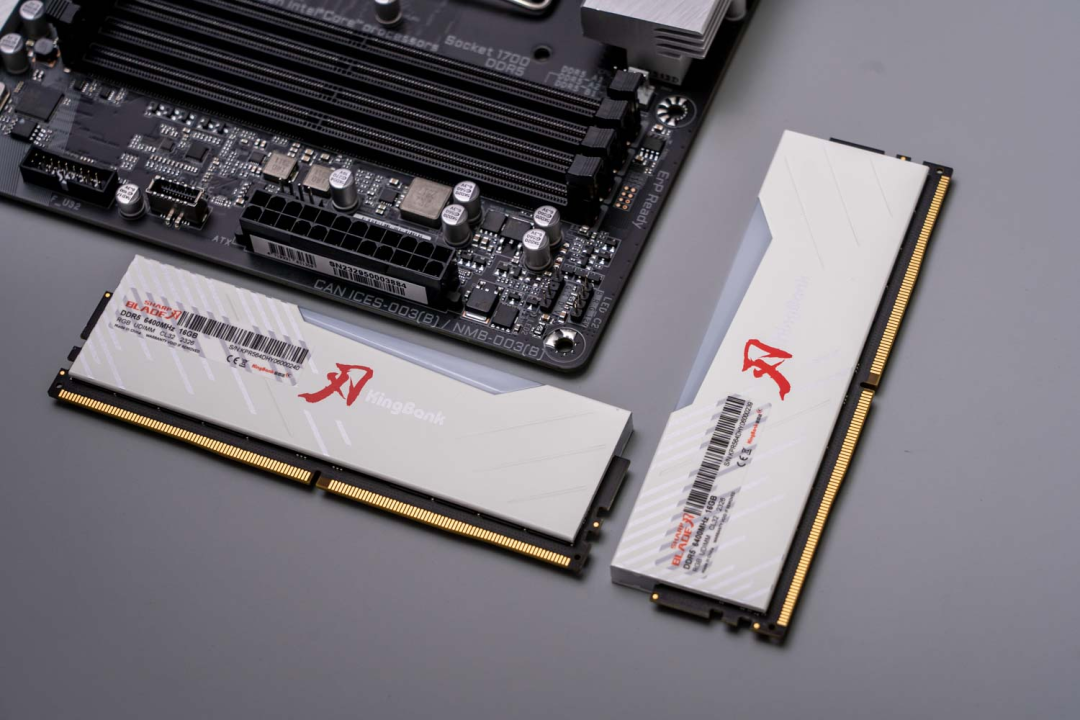
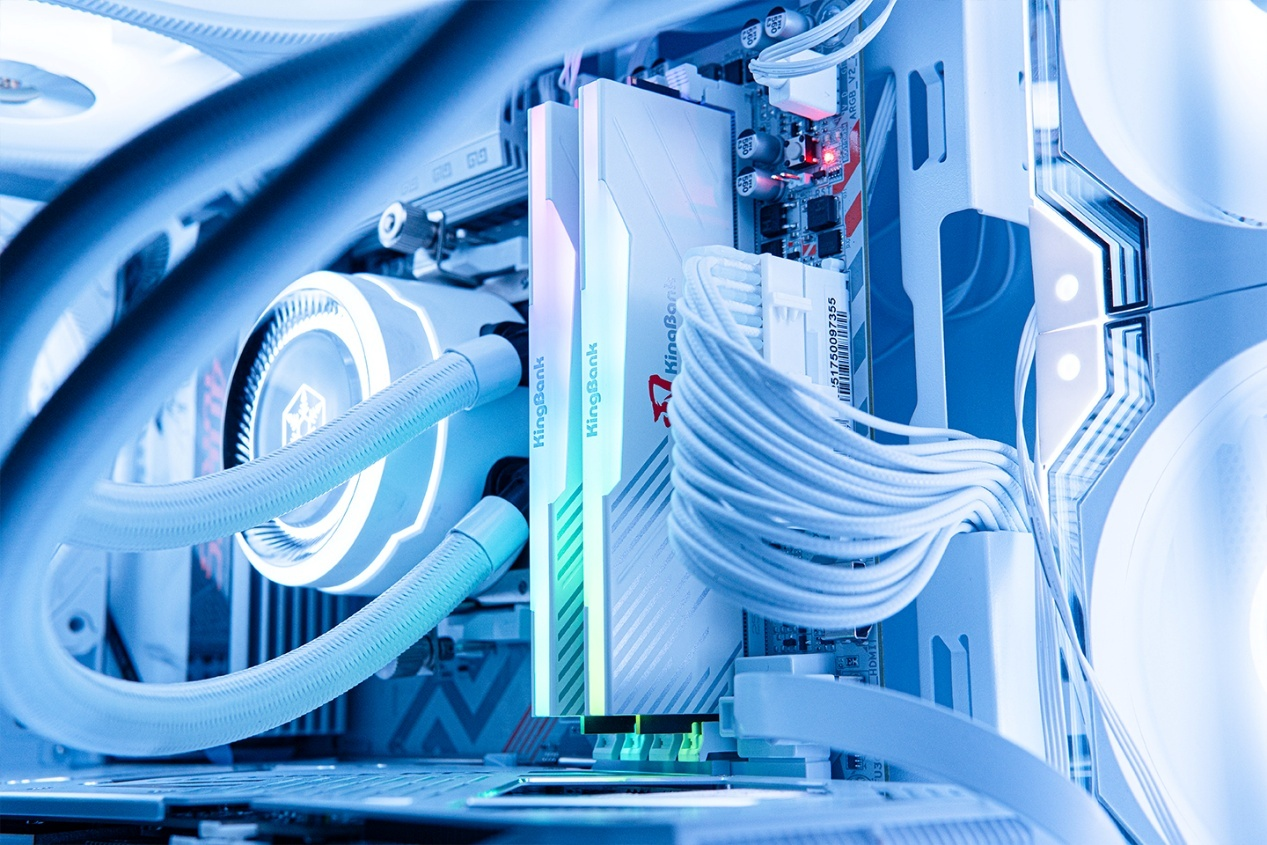
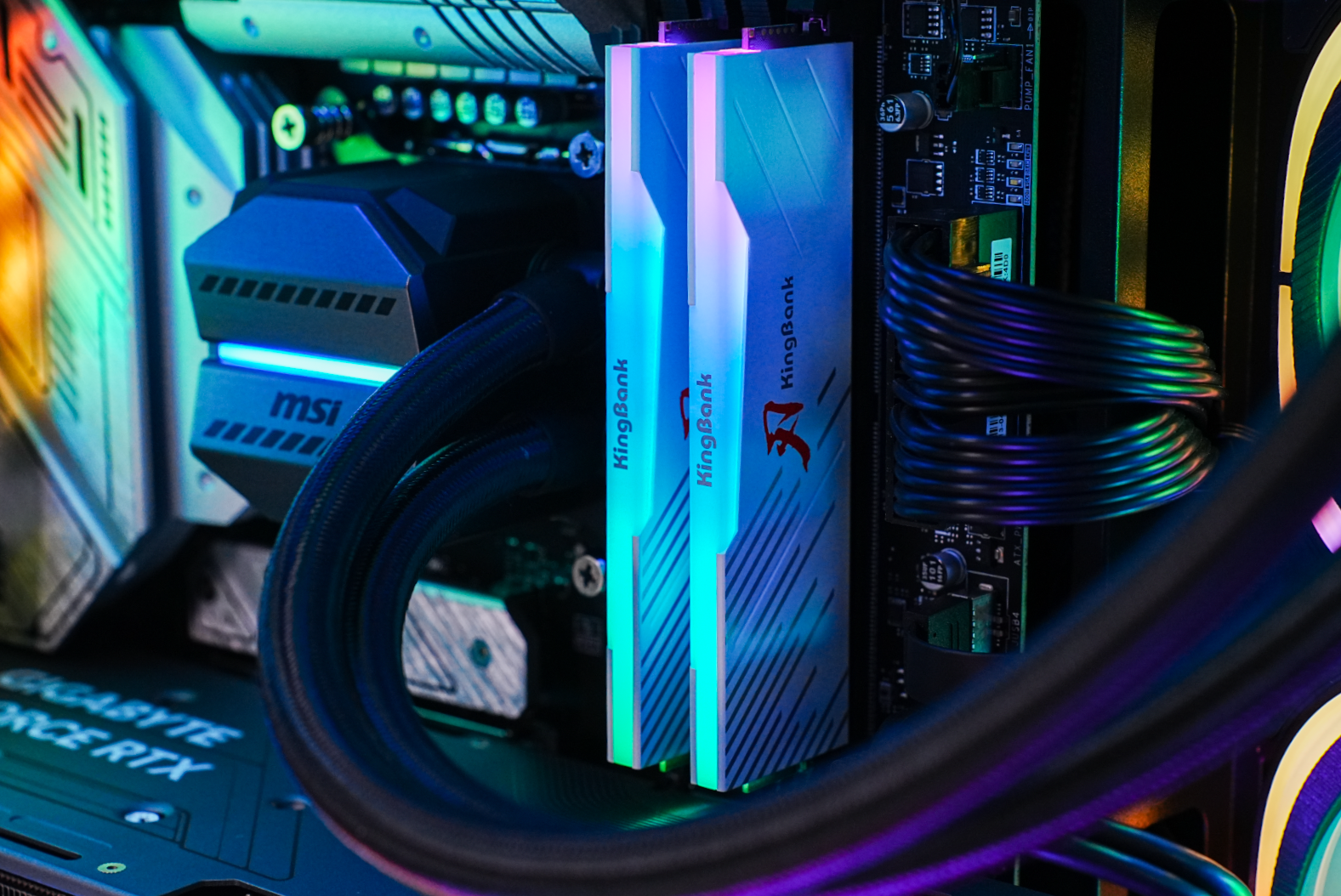
KingBank SoarBlade DDR5 6400 RGB kit has built-in RGB lighting. Each module has 16 LEDs with even and attractive lighting. It can sync with motherboard in BIOS
settings. From the looks, the light bar integrates very nicely with the heat spreader, and the long LED strip can add nice lighting to the PC case interior.
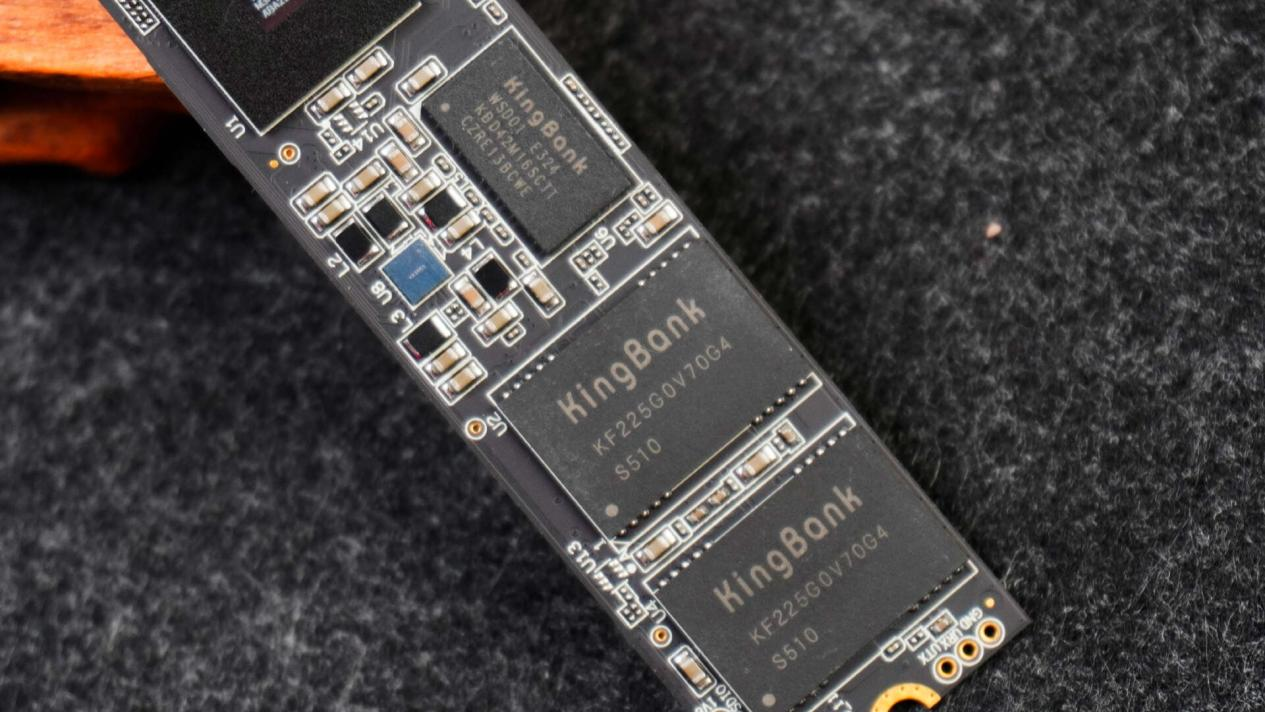
The KingBank SoarBlade DDR5 RGB kit uses original SK Hynix A-die chips. The flash memory ICs are second gen Hynix A-die with part number H5CG48AGBD. It
has powerful overclocking capabilities, with some enthusiasts even reaching 8000MHz. Such excellent and stable performance is well recognized in the industry.
Extremely popular among DIY builders and enthusiasts. So when buying memory, always take note on the ICs before the brand.
Therefore this KingBank SoarBlade DDR5 RGB kit once again improves performance, while setting frequency to 6400MHz for more reliable stability. With good
tweaking skills, you can definitely overclock to even higher frequencies. This allows our PCs to output continuous high performance while remaining stable and
reliable.
Testing
Then let’s get to actually installing and looking at performance. The KingBank SoarBlade DDR5 RGB kit officially supports 6400MHz, with XMP 3.0 overclocking.
Motherboard needs to have XMP enabled to run at 6400MHz, with timings of 32-39-39-80. AMD users may see slight differences due to compatibility, but I’m
using an Intel CPU here so can only test on Intel platforms.
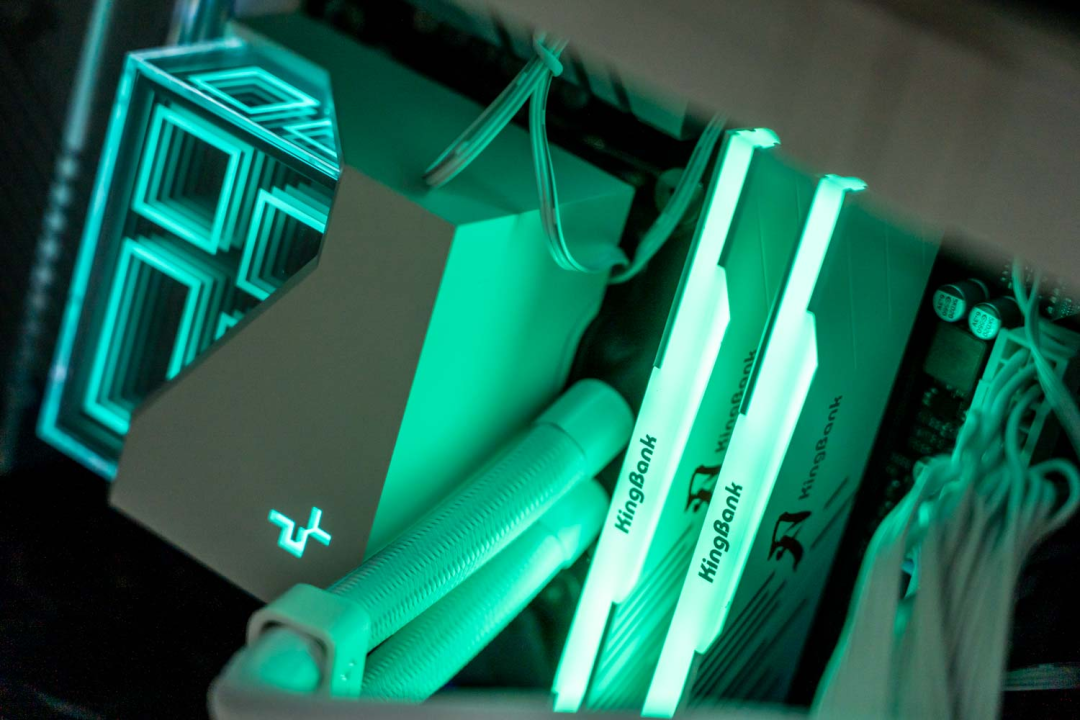
Looks really nice when powered on. Let me first go over the specs. My motherboard is the Gigabyte B760M AORUS ELITE AX, supporting four DDR5 slots. This is a
motherboard focused on E-sports, with memory frequency support of 7600MHz+. Actual results depend on config and personal tweaking skills. The CPU is Intel
Core i9-13900K, arguably the most powerful consumer CPU right now. Other parts are 1200W PSU and DeepCool 360 liquid cooler.
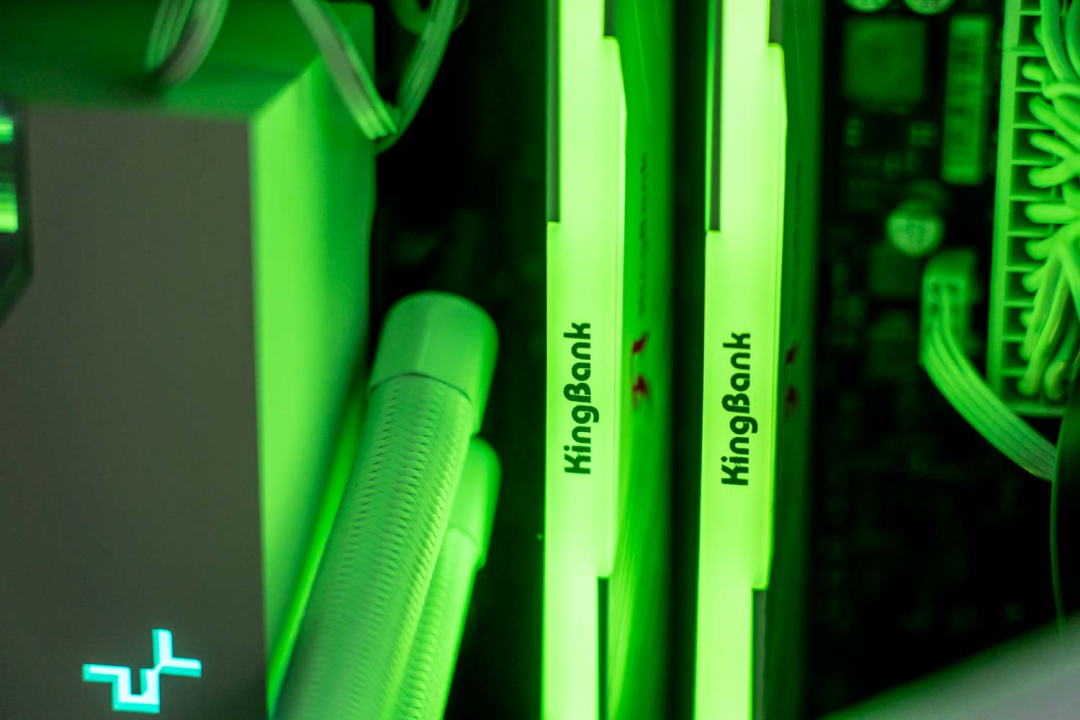
For previous builds, I found the RGB lighting too flashy and distracting. But with the ambient lighting, I find myself appreciating it more and more.
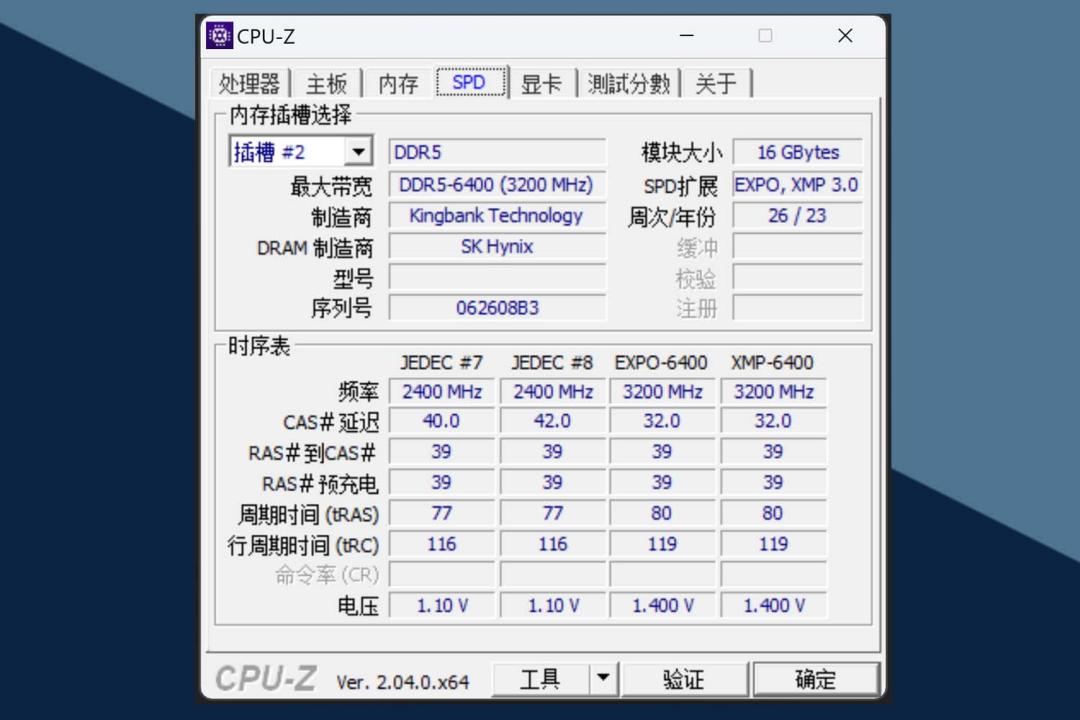
Entering the system, CPU-Z shows memory details like manufacturing date, EXPO and XMP 3.0 support. Also the SK Hynix IC serial number. And memory timings
and voltages for different frequencies.
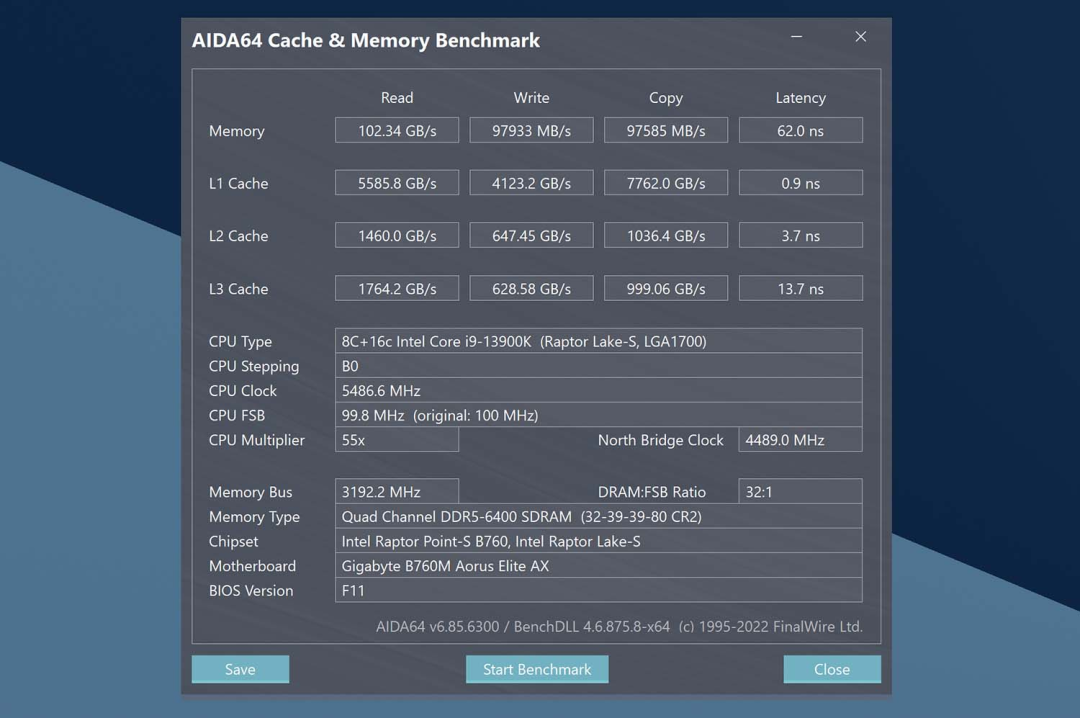
First run some benchmarks with AIDA64. At default 6400MHz, memory read speed is 102.34GB/s, write speed 97.93GB/s, copy speed 97.58GB/s, latency at 62ns.
This is really powerful, very impressive. Not only high bandwidth but also extremely low latency. Even without overclocking this is great productivity performance
already. But of course I’m gonna keep pushing it.
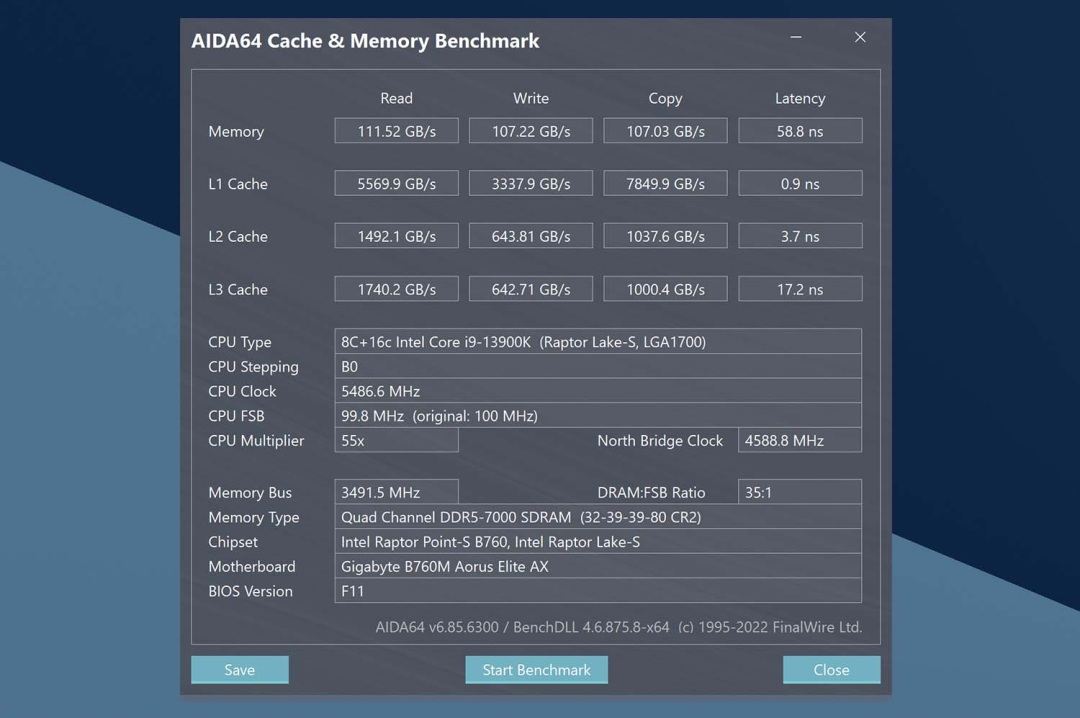
After a series of tests, the KingBank SoarBlade RGB 6400MHz kit can stably run at 7000MHz. AIDA64 now shows memory read speed of 111.52GB/s, write 107.22GB/s,
copy 107.03GB/s. Latency further reduced to 58.8ns.
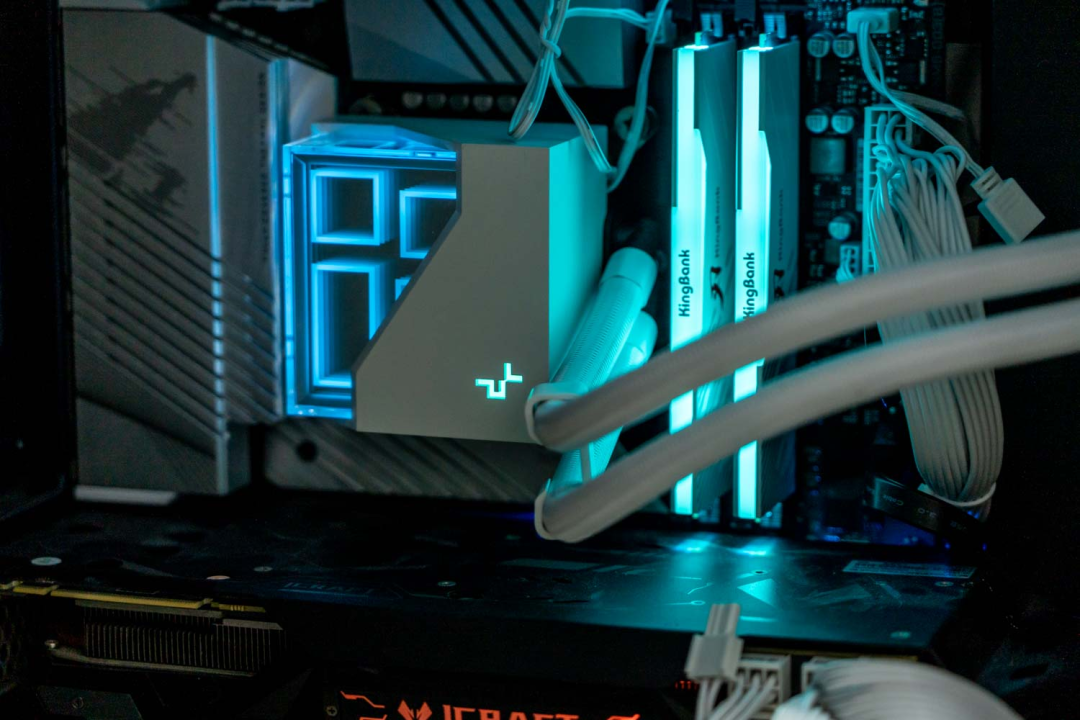
The results showed not only increased bandwidth, reduced latency but also a stable run at 7000MHz, like getting premium features for cheap, free upgrade! This
performance for productivity work like graphic design or video editing can bring huge improvements in efficiency and workflow.
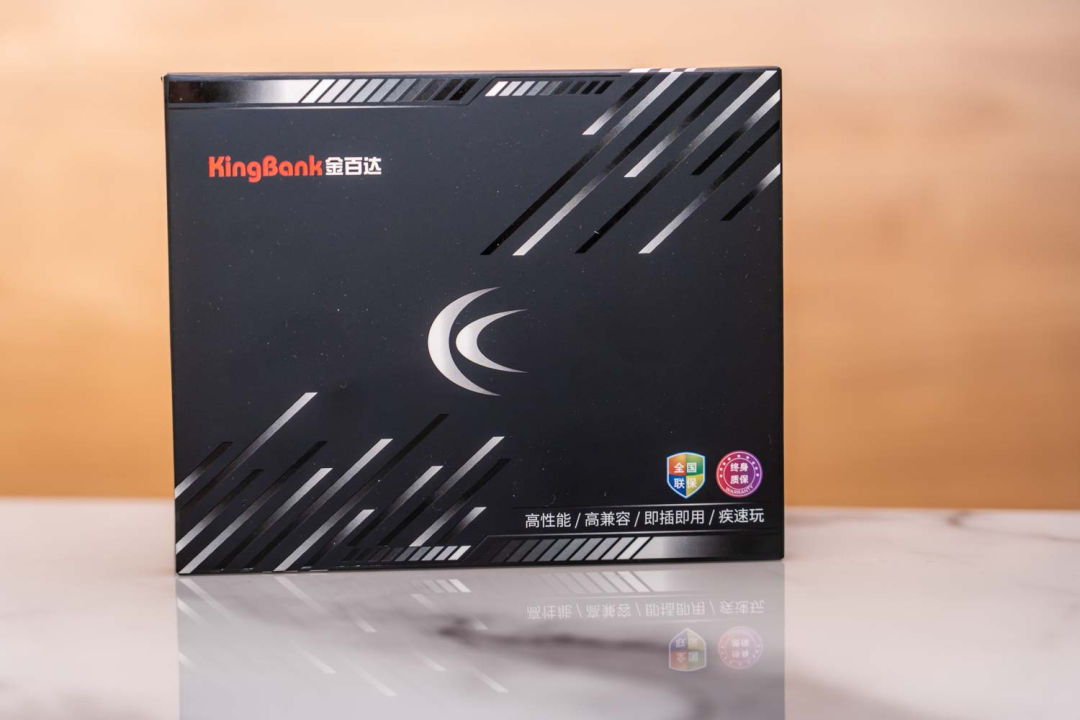
Why not pocket this pair of DRAM at this low price and build yourself a new rig or powerful upgrade! Believe me, now is always the best time.